
Why Your Tech Is Lying to You (And How to Fix It Before It Fails)
Your devices often look fine until they suddenly stop working. A computer that used to start in 30 seconds now takes several minutes. Your printer connects one day and refuses the next. Your internet feels slower even though you are paying for fast speeds.
These are not random problems. They are early warning signs that your computer or device needs maintenance.
At Duck Duck Geeks, we help people understand these signals and fix them before a slow computer becomes a dead computer.
Whether you are a small business owner, a remote worker, or someone managing technology at home, reliable tech support can save hours of frustration.
The Slow Tech Problem Most People Ignore
One of the biggest issues we see in computer repair is something simple. People get used to broken technology.
Examples include:
• A laptop that takes five minutes to boot
• A printer that only connects after multiple attempts
• A phone battery that dies halfway through the day
• Wi Fi that randomly slows down
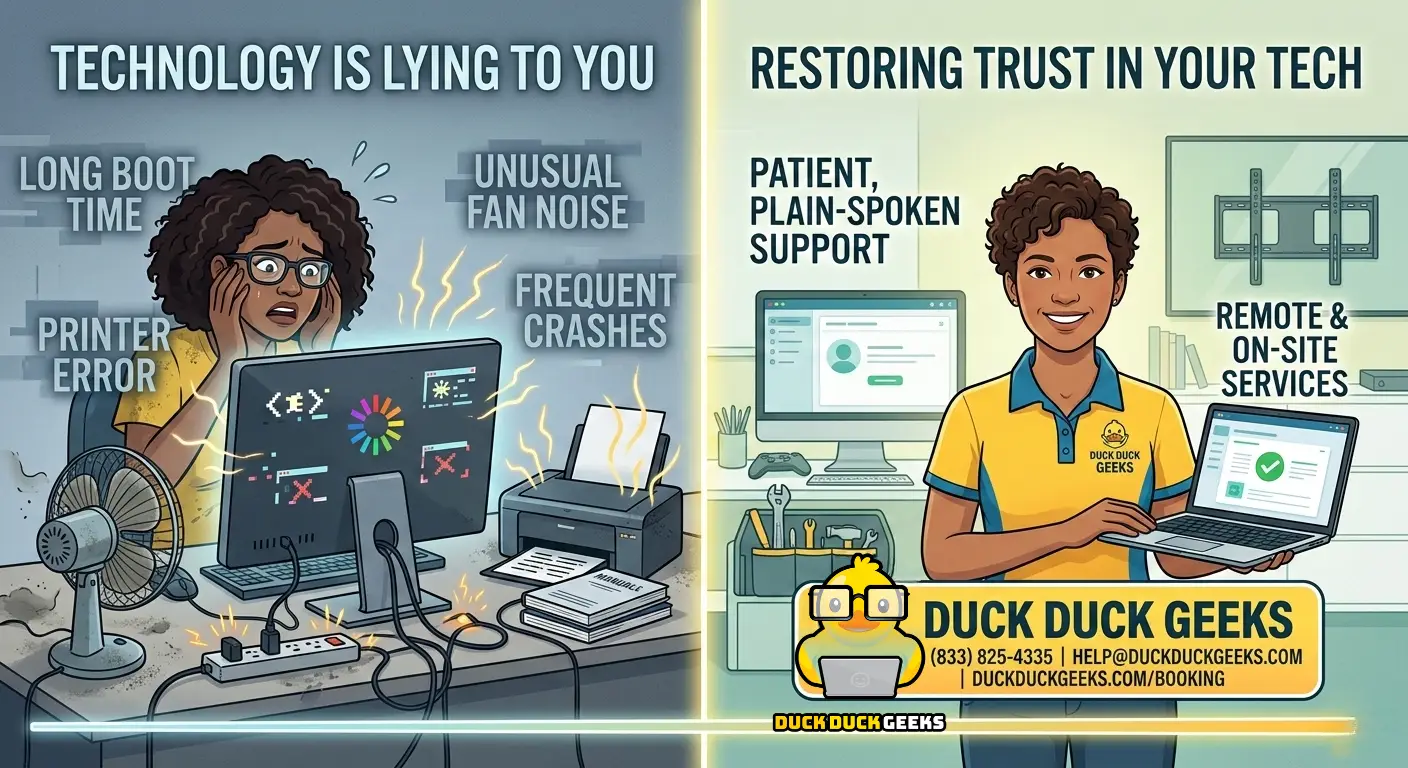
Many people assume this is normal. In reality, these are classic signs your device needs a computer tune up or repair.
Ignoring these problems can lead to:
• Data loss
• Security vulnerabilities
• Hardware damage
• Complete system failure
Most of these problems are easy and inexpensive to fix when caught early.
Warning Signs Your Computer Needs Repair
If you notice any of the following, your device may need professional tech support.
Slow Boot Time
If your computer takes more than two minutes to start, it may have:
• Too many startup programs
• Low disk space
• Background malware
• Aging hardware
A professional computer tune up can often reduce boot time to under 30 seconds.
Overheating or Loud Fans
Dust buildup inside laptops and desktops can raise internal temperatures dramatically.
Overheating can cause:
• System crashes
• Shortened hardware lifespan
• Permanent damage to components
Cleaning and internal maintenance can prevent expensive repairs later.
Frequent Crashes or Random Restarts
Unexpected shutdowns or reboots often indicate:
• Failing memory
• Corrupted operating systems
• Hardware stress
• Malware infections
These issues should be diagnosed early before they lead to data loss.
Pop Ups or Strange Browser Behavior
If your browser suddenly shows:
• Unexpected ads
• Random pop ups
• Redirects to strange websites
You may have adware or spyware installed.
A professional virus removal service can safely clean your system and secure your data.
Internet Slower Than Your Plan
Slow internet is often caused by:
• Routers that have not been restarted
• Devices connected to the wrong Wi Fi band
• Outdated modems
• Network configuration problems
Many slow internet issues can be solved without calling your internet provider.
Services Duck Duck Geeks Provides
Duck Duck Geeks offers complete home and business tech support including:
• Computer Tune Up
• Virus and Malware Removal
• New Computer Setup
• Data Backup and Transfer
• Printer Setup and Troubleshooting
• iPhone and Android Support
• Screen Repair
• Smart Home Setup
• TV Wall Mounting
• Smart Thermostat Installation
• Security Camera Installation
• Operating System Reinstallation
• Email and Account Setup
• Computer Training
Why Remote Tech Support Is So Popular Now
In the past, fixing a computer meant bringing it to a repair shop and waiting days for service.
Today, remote tech support allows a technician to securely connect to your computer and fix problems while you watch.
Benefits include:
• Same day repairs
• No travel or drop offs
• Faster diagnosis
• Immediate results
Many Duck Duck Geeks customers have their issue resolved within a single one hour session.
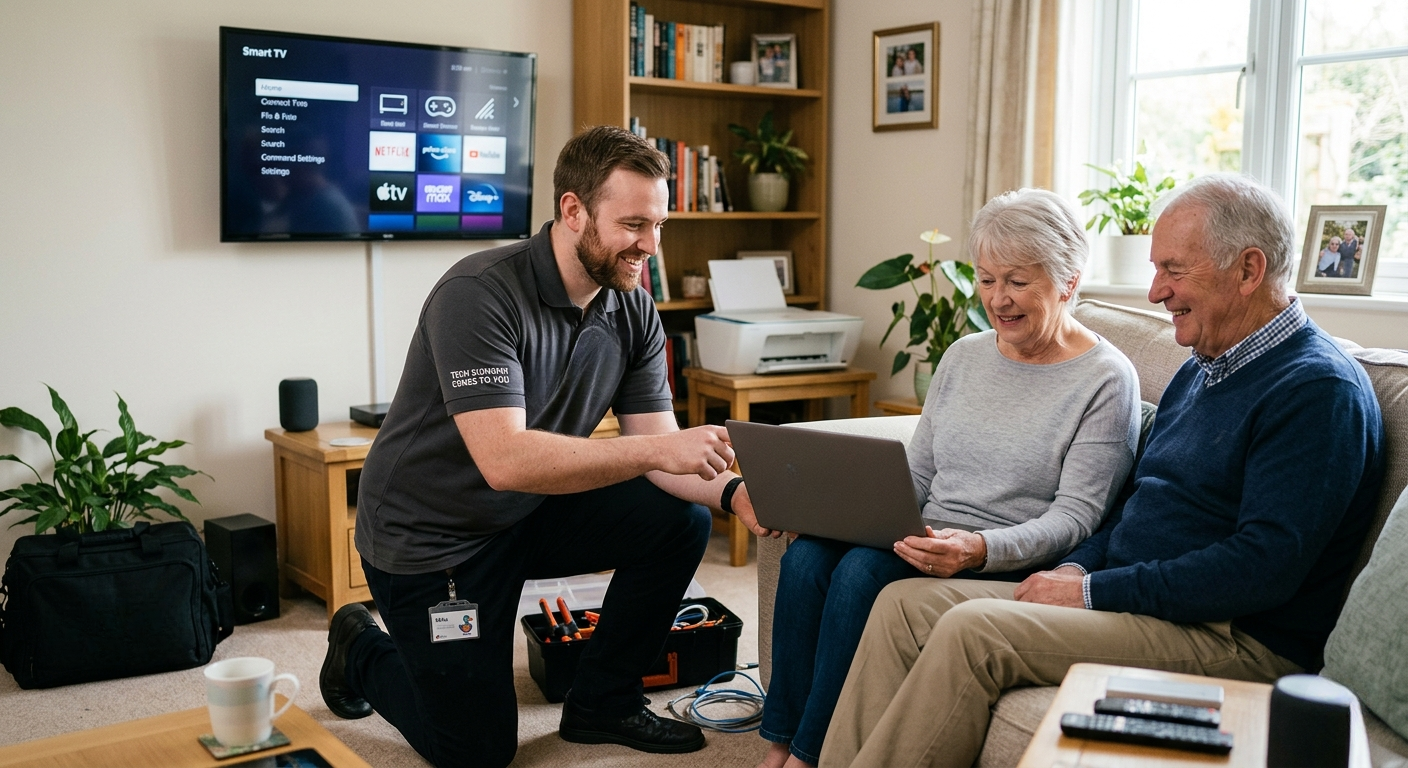
For physical issues like screen repair, smart home installation, or TV mounting, technicians can also provide on site service.
4 Simple Tech Habits That Prevent Most Problems
You can prevent many common tech issues with a few simple habits.
1. Restart Your Router Weekly
Routers collect stale connections over time. Restarting your router once per week improves internet performance.
2. Use Two Factor Authentication
Two factor authentication blocks over 99 percent of automated hacking attempts even if someone knows your password.
3. Back Up Your Files
Use the 3 2 1 backup rule.
• Three copies of your files
• Two different storage types
• One off site backup such as cloud storage
This protects you from hard drive failure or ransomware attacks.
4. Remove Unused Apps
Old applications continue running in the background, using storage and system resources.
Cleaning up unused software every few months keeps your device fast.
When You Should Call a Tech Professional
DIY troubleshooting is helpful, but sometimes professional support is the smarter option.
You should call a technician if:
• Restarting your device does not fix the issue
• You see error messages you do not understand
• Your computer behaves unusually
• Your device suddenly becomes extremely slow
Professional diagnosis identifies the root cause of the issue and prevents it from happening again.
Tech Support Membership
Duck Duck Geeks offers both one time repair sessions and an annual service membership.
The $250 yearly membership includes:
• Monthly device maintenance
• Priority support
• Faster response times
• Ongoing tech assistance
Having a technician familiar with your devices saves time whenever an issue appears.
Need Help With Your Tech?
Stop guessing and get professional help.
Duck Duck Geeks provides on site and remote tech support.
Phone: (833) 825 4335
Email: help@duckduckgeeks.com
Website: duckduckgeeks.com/booking